Export Data
Exporting Data
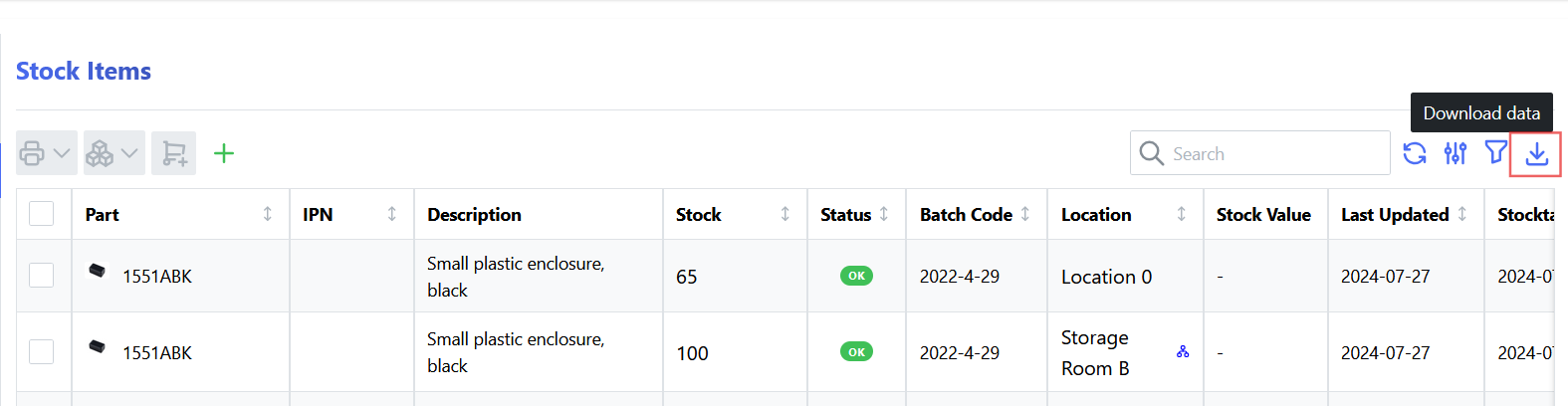
InvenTree provides data export functionality for a variety of data types. Most data tables provide an "Download" button, which allows the user to export the data in a variety of formats.
In the top right corner of the table, click the "Download" button to export the data in the table.
This will present a dialog box with the available export options:
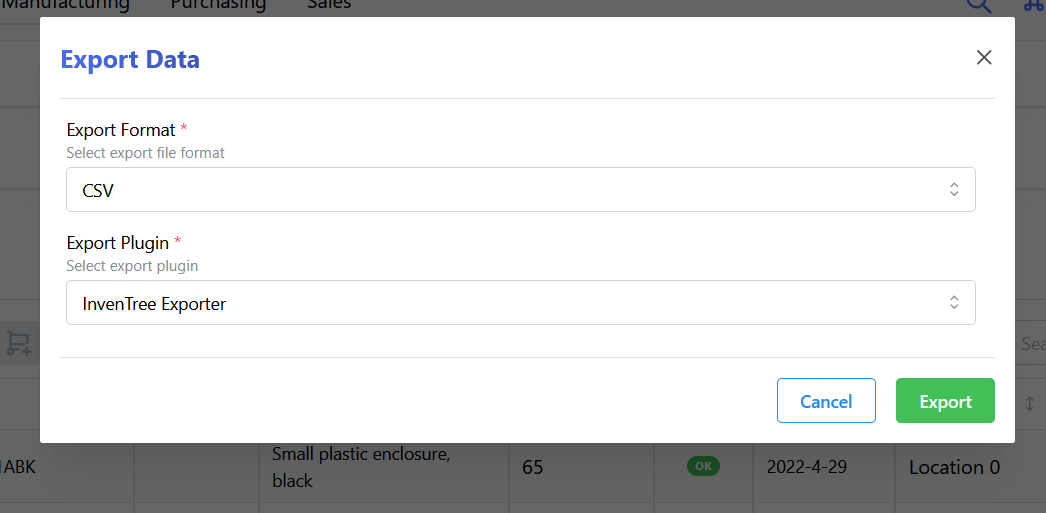
Plugin Support
InvenTree plugins can also provide custom export functionality for specific data types. If a plugin provides export functionality, it will be listed in the export options.
Refer to the export plugin mixin documentation for more information on how to create export plugins.
API Export
Data can also be exported via the InvenTree REST API, by appending the appropriate format suffix (and other export options) to the API endpoint URL.