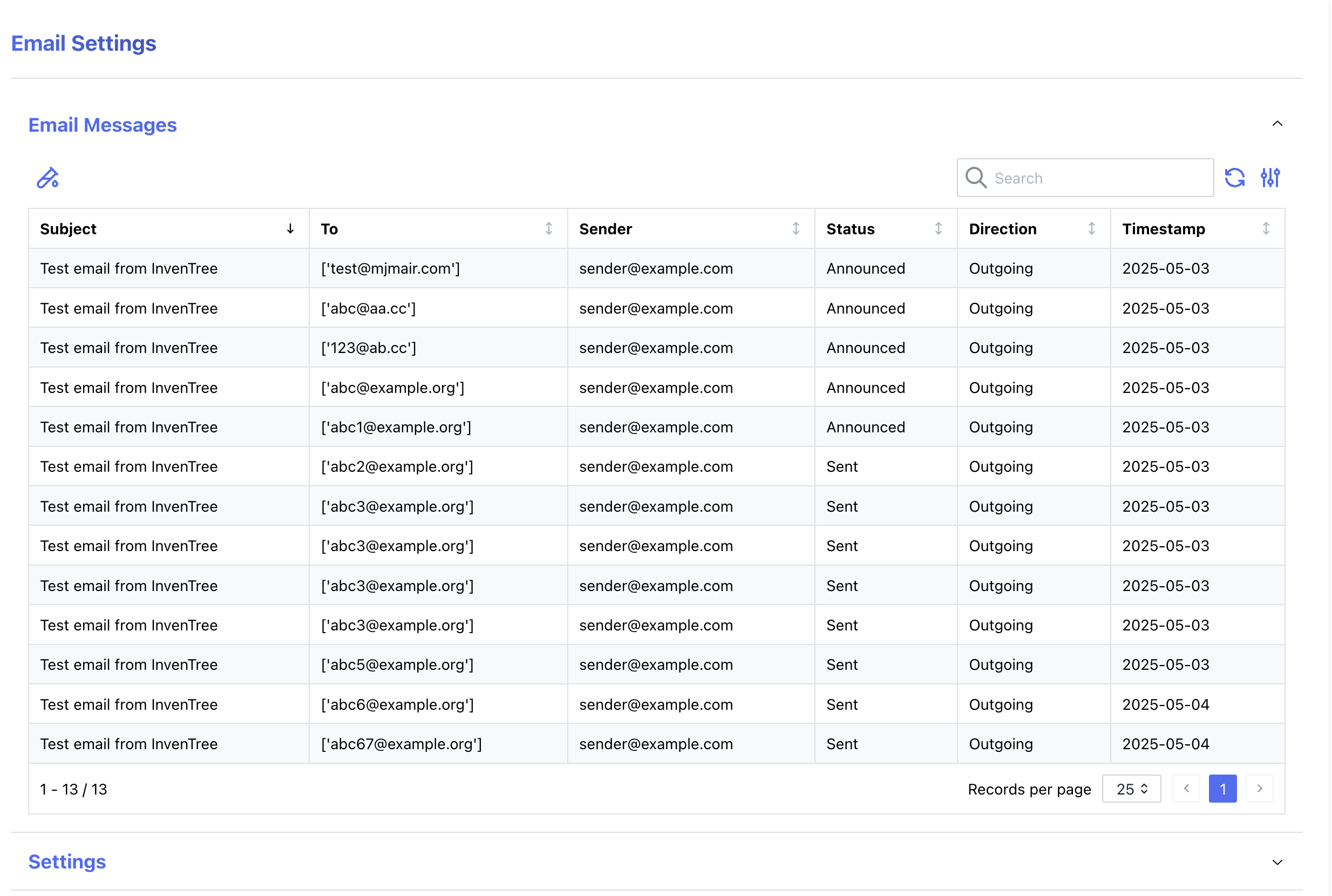
Email Settings
Email Settings
InvenTree can be configured to send emails to users, for various purposes.
To enable this, email configuration settings must be supplied to the InvenTree configuration options.
Functionality might be degraded
Multiple functions of InvenTree require functioning email delivery, including Password Reset, Notifications, Update Infos
Outgoing
Mail can be delivered through various ESPs and SMTP. You can only configure one delivery method at a time.
Incoming
Mail can be received though various ESPs, POP3 and IMAP.
When using POP3/IMAP InvenTree removes email that were processed. This is to prevent duplicate processing of the same email. You can specify a archive folder, that mails should be moved to after processing. This is useful for retaining manual access.
Supported ESPs
InvenTree uses django-anymail to support various ESPs. A full list of supported ESPs can be found in their docs.
Most popular providers are supported:
- Amazon SES
- Brevo (EU)
- Postal (Self hosted)
- Mailgun
- Postmark
- SendGrid
Logging / Admin Insights
Superusers can view the email log in the Admin Center. This is useful for debugging and tracking email delivery / receipt.
Warning
By default, email logs are cleaned after 30 days. This can be configured in the InvenTree settings. If your organization is bound by business record retention laws or rules, you should ensure the retention of mail logs is set accordingly via a global override for the setting to ensure proper compliance. E.g. records in connection with commercial activity in the EU often have to be kept for over 5 years. Check requirements with proper sources for your region.