Return Orders
Return Orders
Return Orders allow stock items (which have been sold or allocated to a customer) to be to be returned into stock, typically for the purpose of repair or refund.
An Order By Any Other Name
A Return Order may also be known as an RMA
View Return Orders
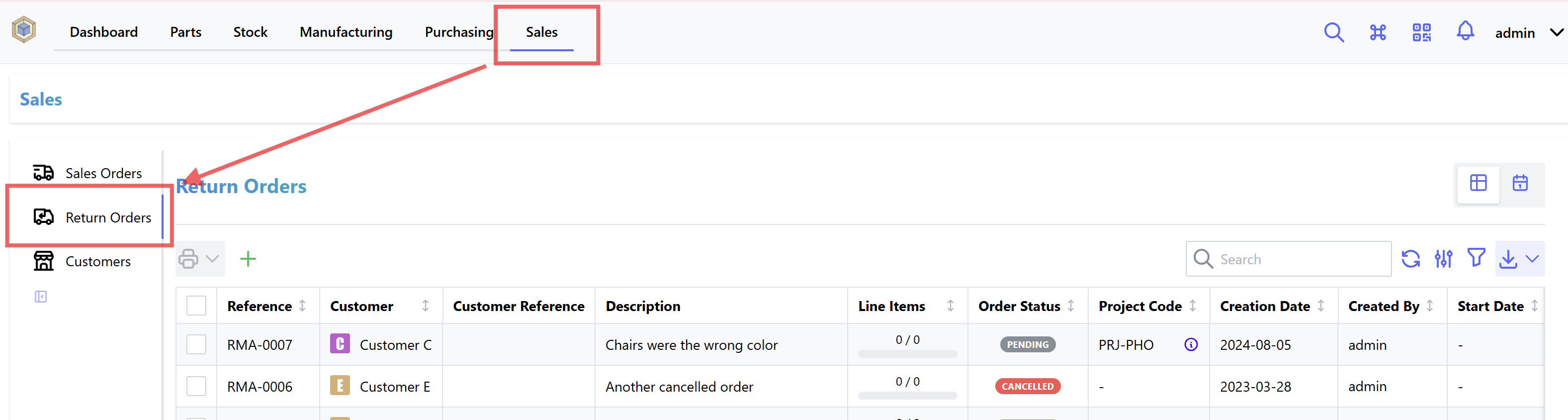
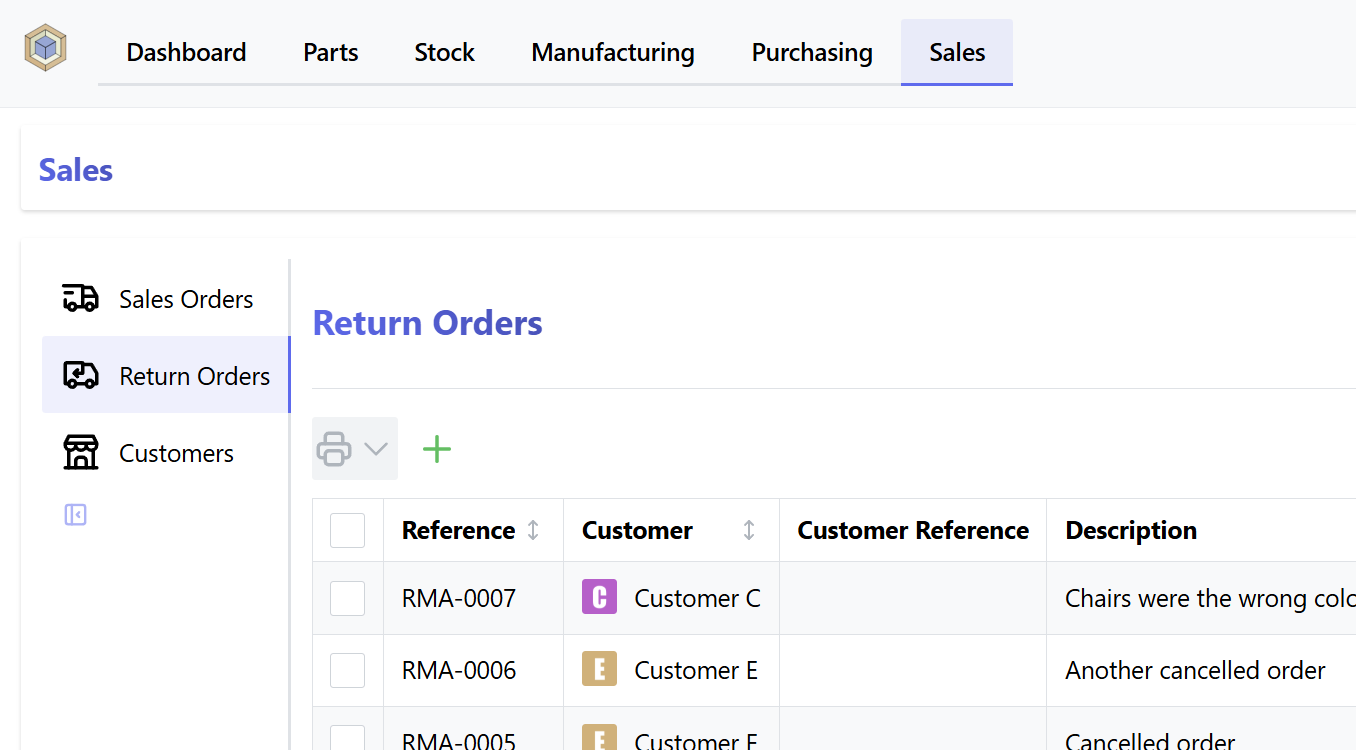
To navigate to the Return Order display, select Sales from the main navigation menu, and Return Orders from the sidebar:
The following view modes are available:
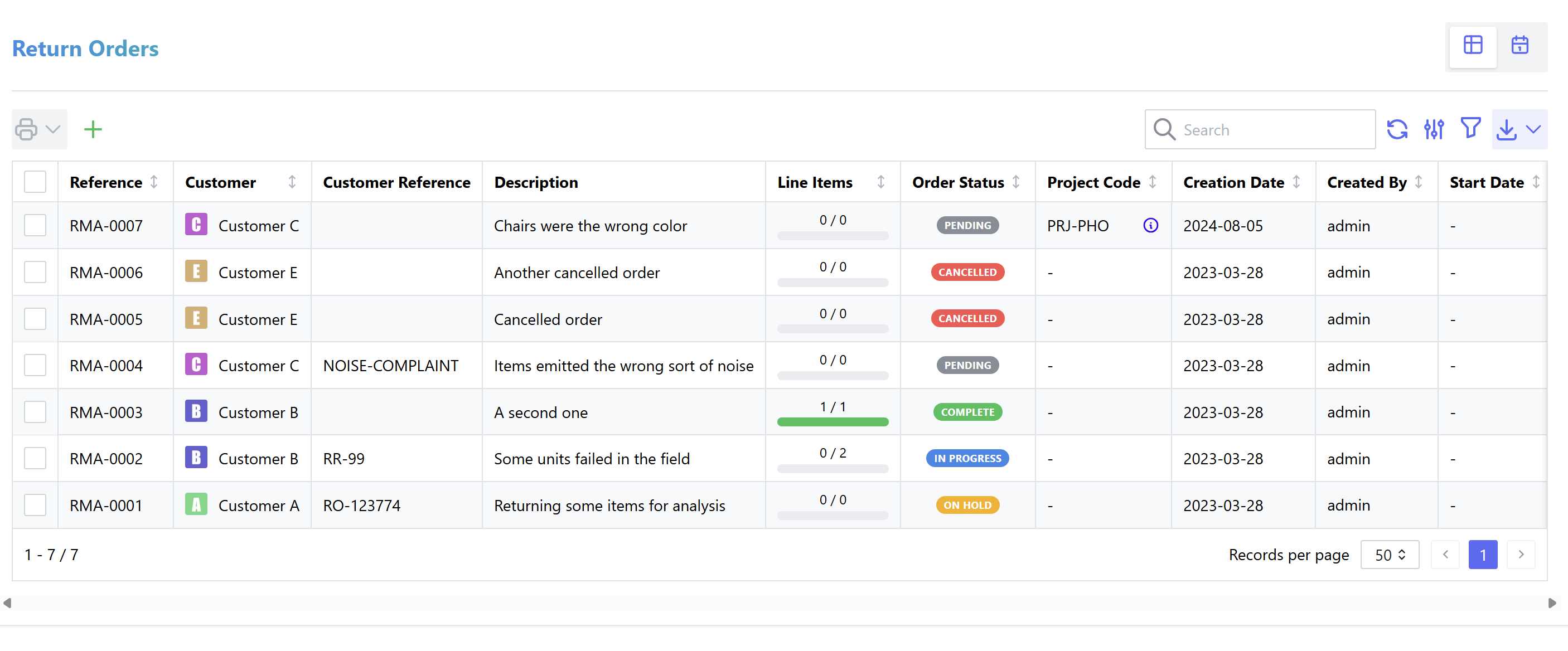
Table View
Table View provides a list of Return Orders, which can be filtered to display a subset of orders according to user supplied parameters.
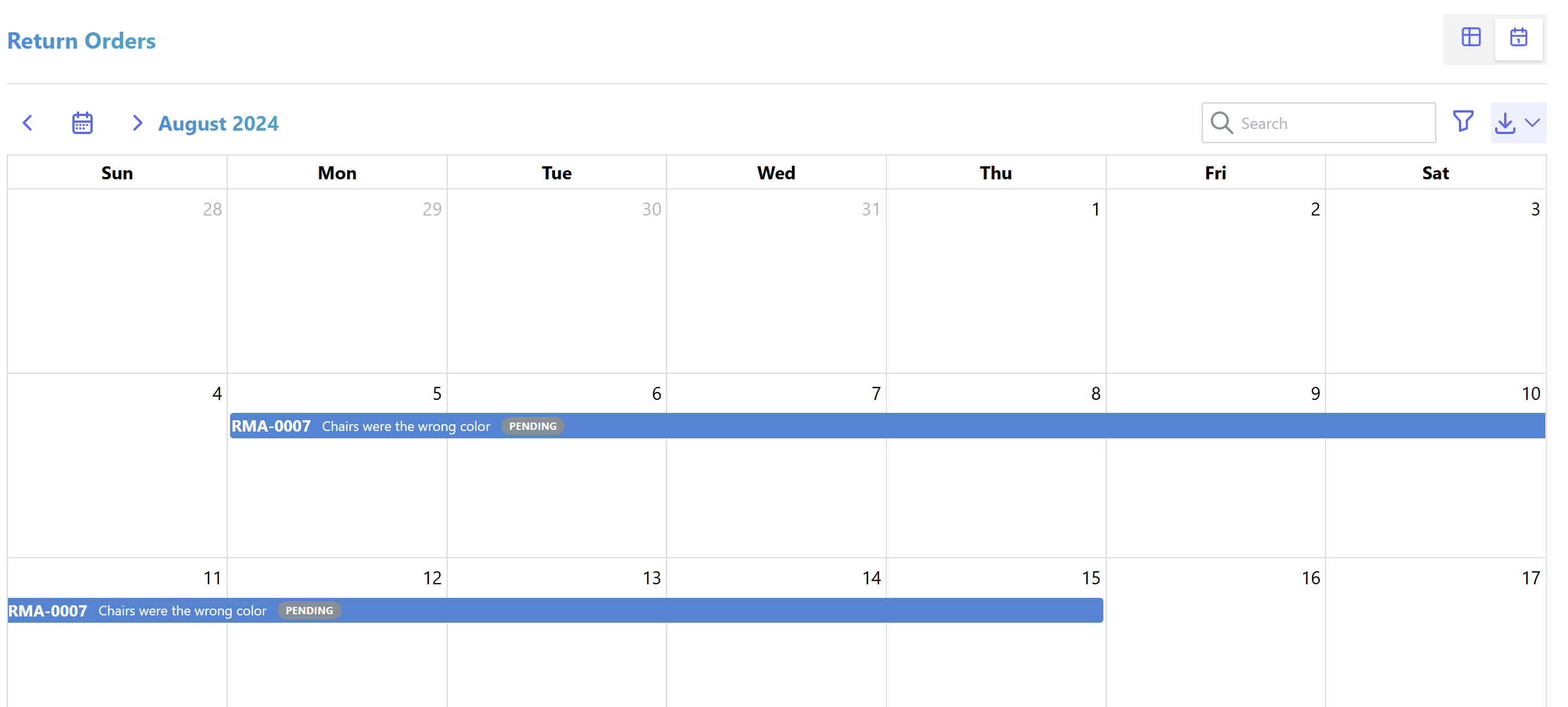
Calendar View
Calendar View shows a calendar display with outstanding return orders, based on the various dates specified for each order.
Enable Return Order Functionality
By default, Return Order functionality is not enabled - it must be enabled by a staff user from the settings page:
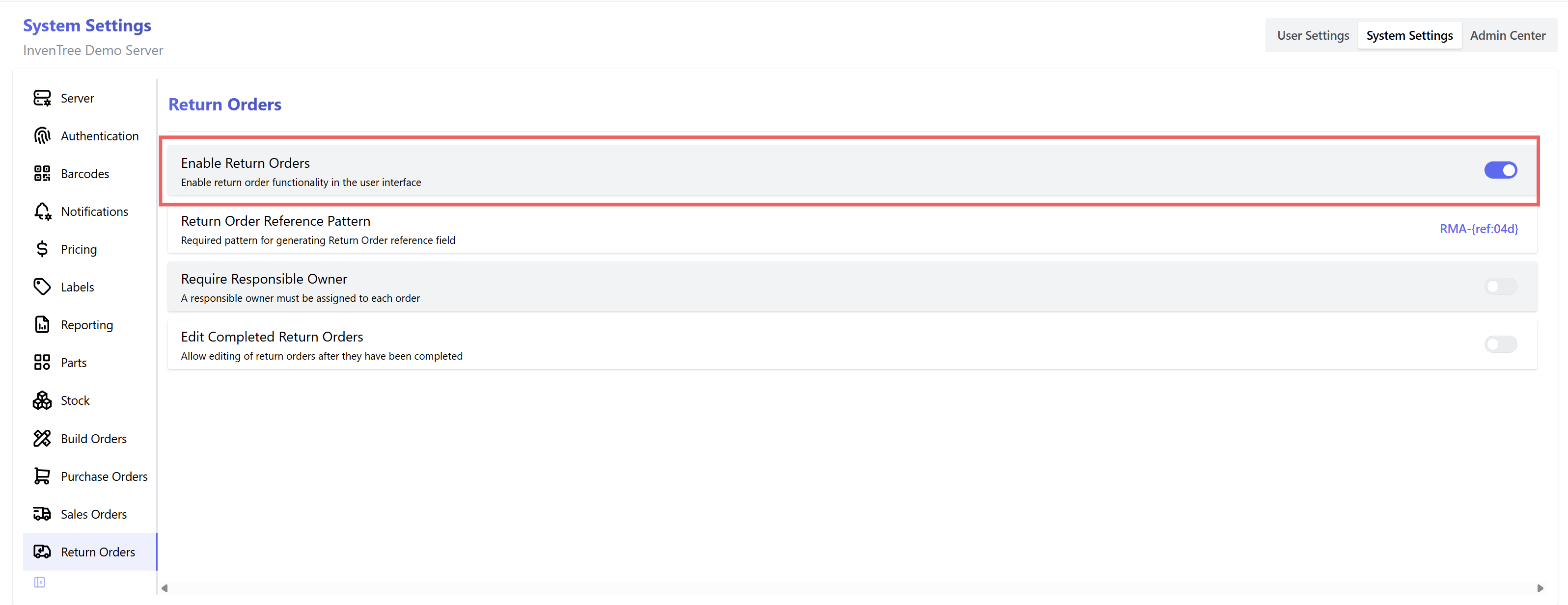
Once this setting is enabled, you can access the "Return Orders" page from the main navigation bar:
Return Order Permissions
Permissions for Return Orders are managed via the return_order permission group. Users are assigned appropriate permissions based on the groups they are part of.
View Return Orders
A list of Return Orders is displayed on the Return Order index page:
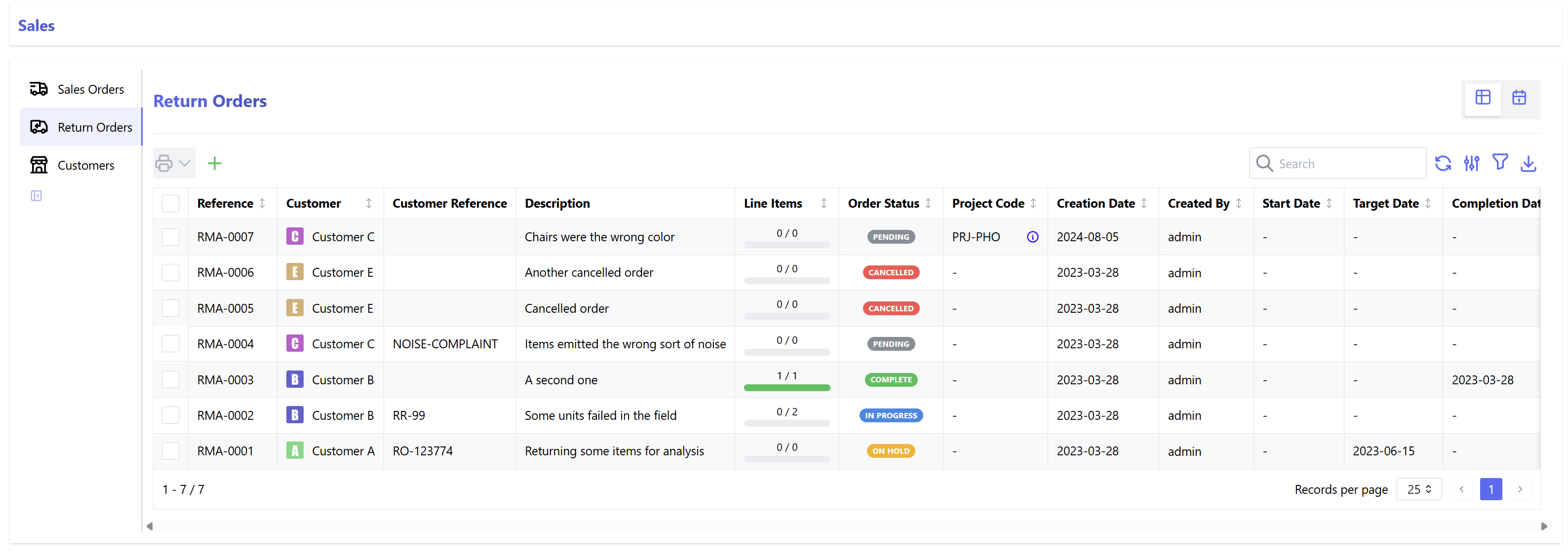
Various filters are available to configure which orders are displayed, and how they are arranged.
Return Order Status Codes
Each Return Order has a specific status code, as follows:
| Status | Description |
|---|---|
| Pending | The return order has been created, but not sent to the customer |
| In Progress | The return order has been issued to the customer |
| On Hold | The return order has been placed on hold, but is still active |
| Complete | The return order was marked as complete, and is now closed |
| Cancelled | The return order was cancelled, and is now closed |
Source Code
Refer to the source code for the Return Order status codes:
Defines a set of status codes for a ReturnOrder.
Source code in src/backend/InvenTree/order/status_codes.py
72 73 74 75 76 77 78 79 80 81 82 83 84 | |
Return Order Status supports custom states.
Create a Return Order
From the Return Order index, click on New Return Order which opens the "Create Return Order" form.
A Return Order is linked to a specific customer, which can be selected from the list of existing customers
Customers Only
Only companies with the "Customer" attribute enabled will be shown and can be selected
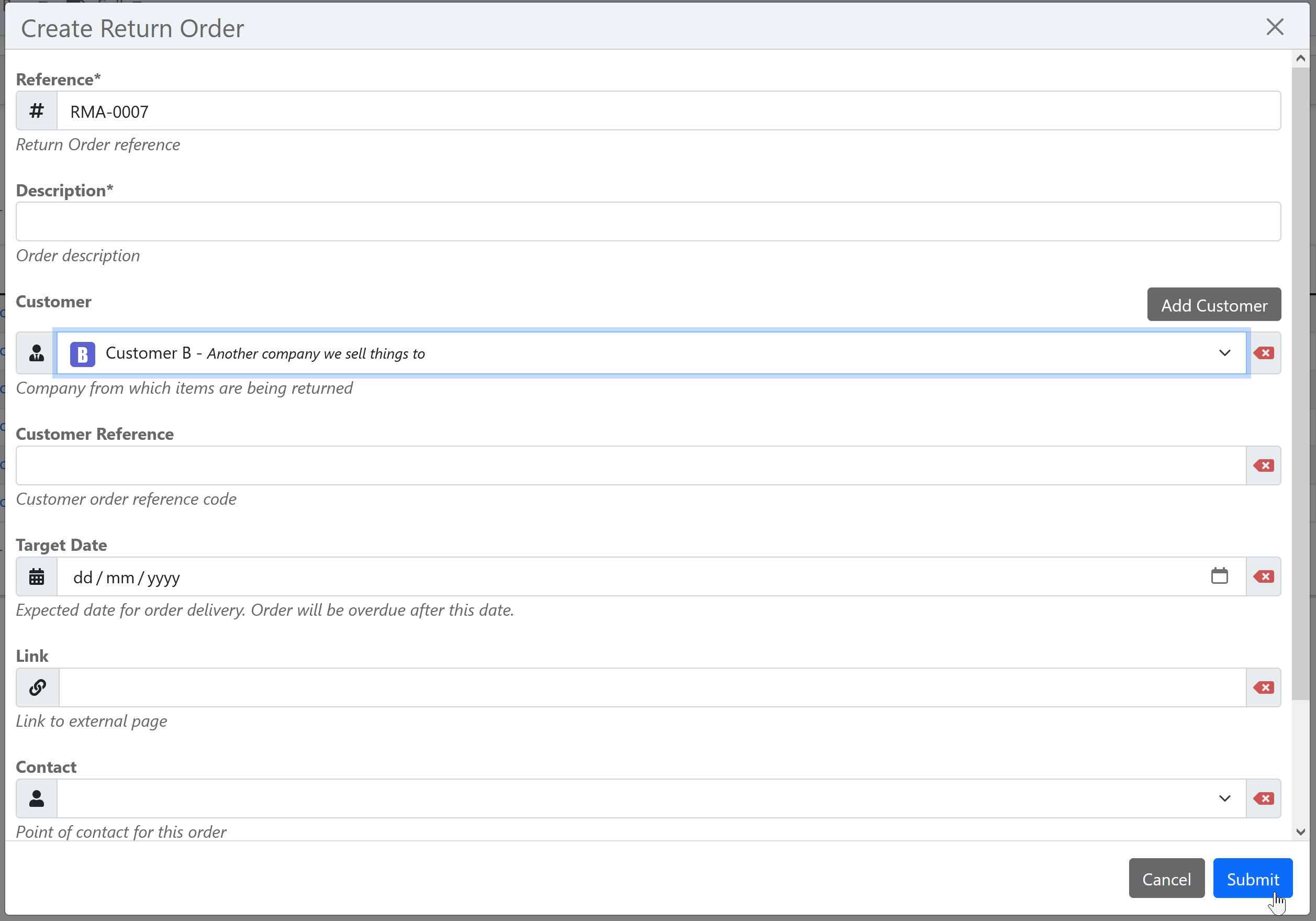
Fill in the rest of the form with the return order information, and then click on Submit to create the order.
Return Order Reference
Each Return Order is uniquely identified by its Reference field. Read more about reference fields.
Responsible Owner
The order can be assigned to a responsible owner, which is either a user or group.
Return Order Detail
Individual Return Orders can be viewed via the Return Order detail page:
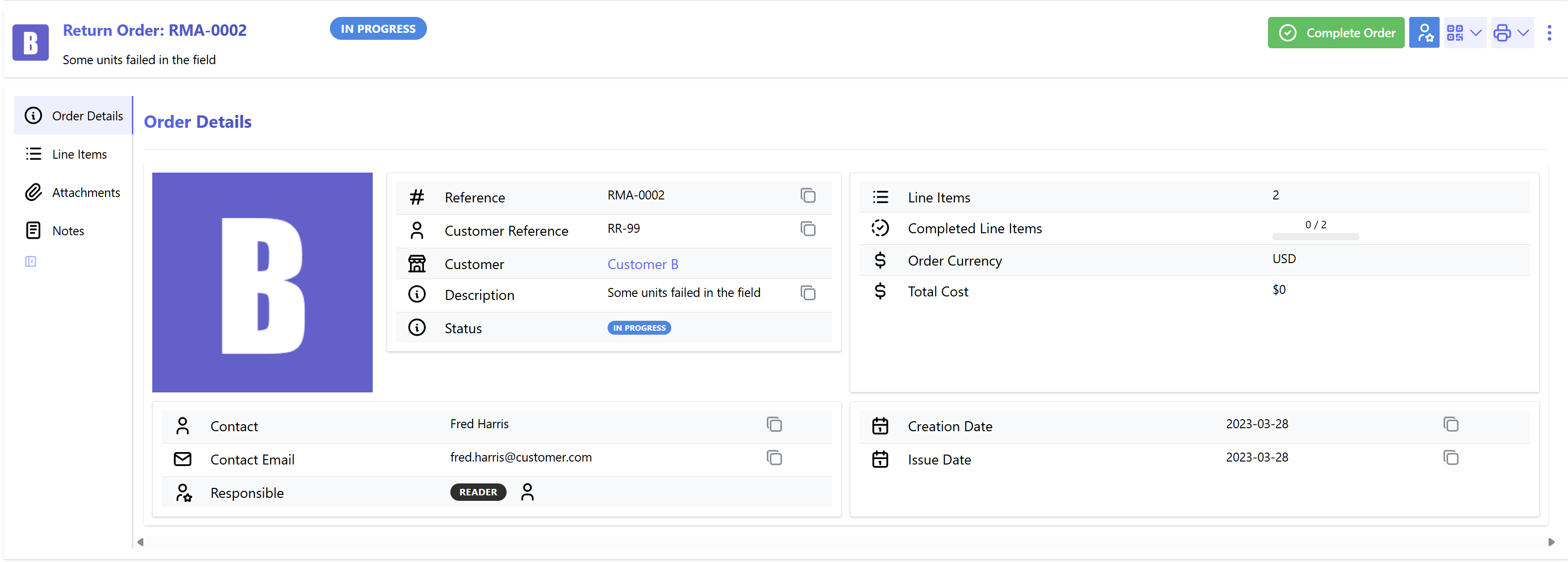
Here the details of the return order are available, and specific actions can be performed:
Edit Return Order
The Return Order can be edit by selecting the Edit icon under the actions menu.
Line Items
Return Order line items can be added while the status of the order is In Progress. Any stock item which is currently sold or assigned to the particular customer can be selected for return.
Serialized Stock Only
Only stock items which are serialized can be selected for return from the customer
Extra Line Items
While line items must reference a particular stock item, extra line items are available for any other itemized information that needs to be conveyed with the order.
Return Order Reports
Custom reports can be generated against each Return Order.
Order Scheduling
Return Orders can be scheduled to be completed on a specific date. This can be useful for planning and tracking the return of items.
Start Date
The Start Date of the return order is the date on which the order is scheduled to be issued to the customer.
Target Date
The Target Date of the return order is the date on which the order is scheduled to be completed.
Overdue Orders
If the Target Date of a return order has passed, the order will be marked as Overdue. This can be useful for tracking orders which are behind schedule.
Calendar view
Using the button to the top right of the list of Return Orders, the view can be switched to a calendar view using the button . This view shows orders with a defined target date only.
This view can be accessed externally as an ICS calendar using a URL like the following:
http://inventree.example.org/api/order/calendar/return-order/calendar.ics
by default, completed orders are not exported. These can be included by appending ?include_completed=True to the URL.
Return Order Settings
The following global settings are available for return orders:
| Name | Description | Default | Units |
|---|---|---|---|
Enable Return Orders |
Enable return order functionality in the user interface | False |
|
Return Order Reference Pattern |
Required pattern for generating Return Order reference field | RMA-{ref:04d} |
|
Require Responsible Owner |
A responsible owner must be assigned to each order | False |
|
Edit Completed Return Orders |
Allow editing of return orders after they have been completed | False |