Customers
Customers
A customer is an external company to which parts or services are sold.
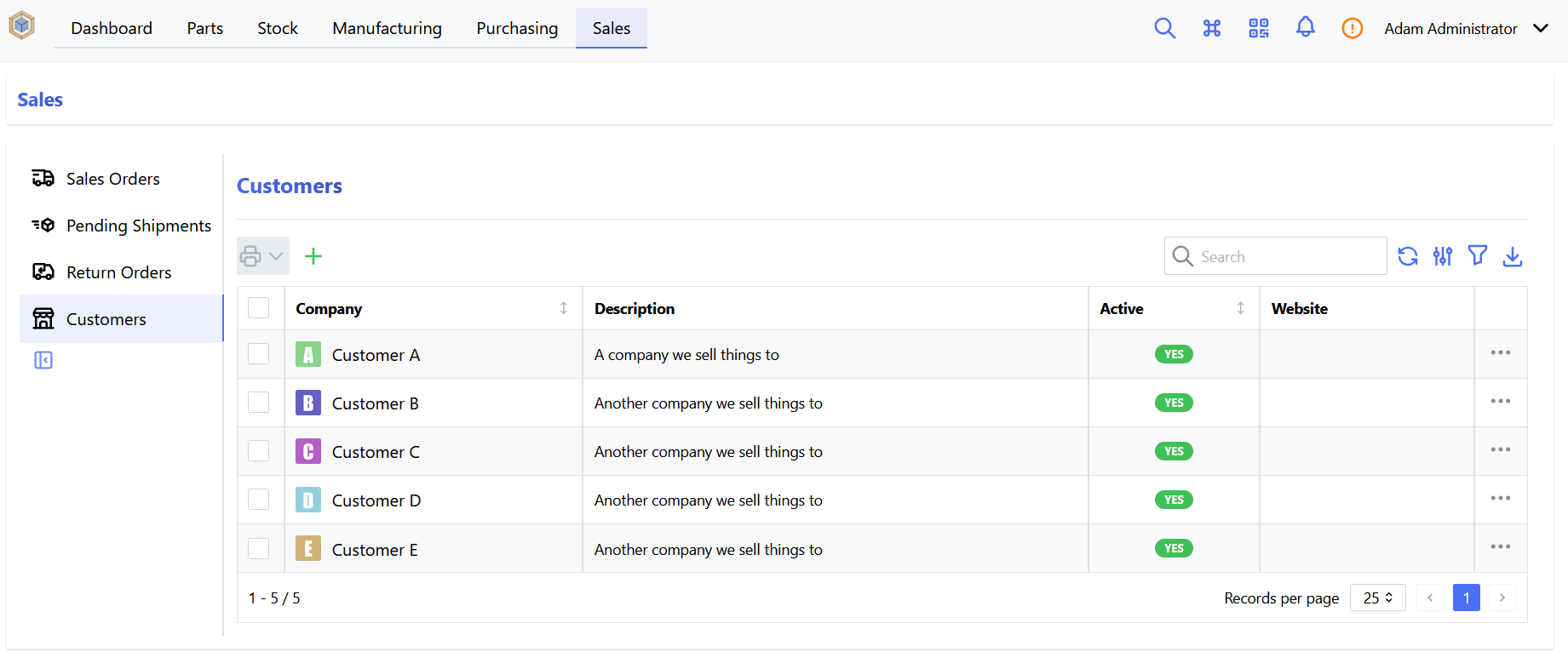
To access the customer page, click on the Sales navigation tab and click on Customers option in the dropdown list.
Warning
Viewing, adding, editing and deleting customers require the corresponding Sales Orders user permissions
Add Customer
Once the customer page is loaded, click on the New Customer button: the "Create new Customer" form opens. Fill-in the manufacturer information (Company name and Company description are required) then click on Submit