Notifications
General Notification Details
Users can select to receive notifications when certain events occur.
Email Configuration Required
External notifications require correct email configuration. They also need to be enabled in the settings under notifications`.
Valid Email Address
Each user must have a valid email address associated with their account to receive email notifications
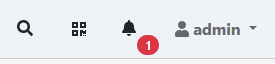
Notifications are also shown in the user interface. New notifications are announced in the header.
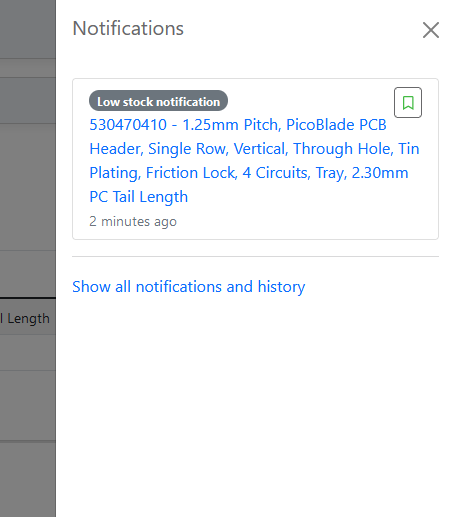
They can be viewed in a flyout.
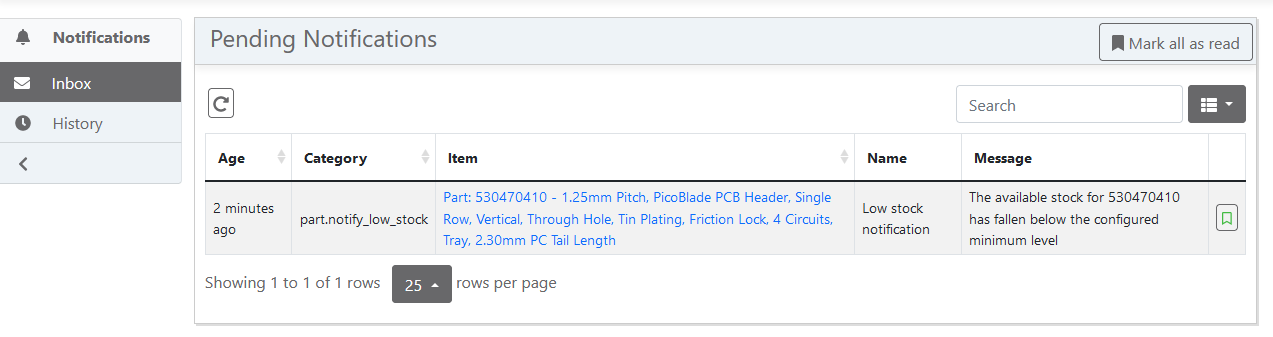
All current notifications are listed in the inbox.
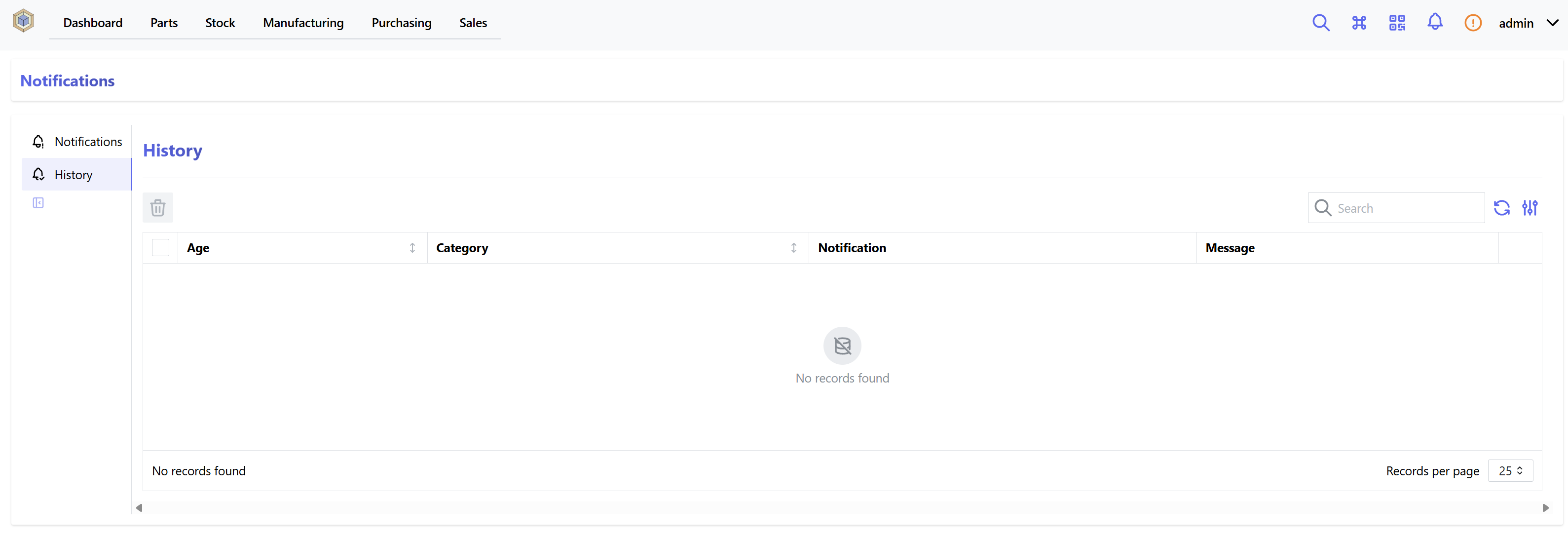
All past notification are listed in the history. They can be deleted one-by-one or all at once from there.
Part Notification Events
Low Stock Notification
If the minimum stock threshold is set for a Part, then a "low stock" notification can be generated when the stock level for that part falls below the configured level.
Any users who are subscribed to notifications for the part in question will receive a low stock notification via email.
Build Order Notification
When a new Build Order is created, the InvenTree software checks to see if any of the parts required to complete the order are low on stock.
If there are any parts with low stock, a notification is generated for any users subscribed to notifications for the part being built.
Subscribing to Notifications
Users can "subscribe" to either a Part or Part Category, to receive notifications.
Part
When subscribed to a Part, a user will receive notifications when events occur which pertain to:
- That particular part
- Any parts which are variants of that part
If a user is subscribed to a particular part, it will be indicated as shown below:

If the user is not subscribed, the subscription icon is greyed out, as shown here:

Clicking on this icon will toggle the subscription status for this part.
Part Category
When subscribed to a Part Category, a user will receive notifications when particular events occur which pertain to:
- That particular category
- Any sub-categories at lower levels
- Any parts contained in the category
- Any parts contained in the lower level categories
Subscribing to a part category operates in the same manner as for a part - simply click on the notification icon.