Example Build Order
Build Order Example
For example, let's say we wish to create 10 new "Widgets". We create a new build for the widget, which signals an intent to assemble the "Widget" in quantity 10. As the Widget is a serialized part, with tracked sub-components, the build outputs must themselves be serialized. This means that we need to generate 10 separate build outputs for this build order.
Create Build Order
First, create a new build order for the Widget assembly:
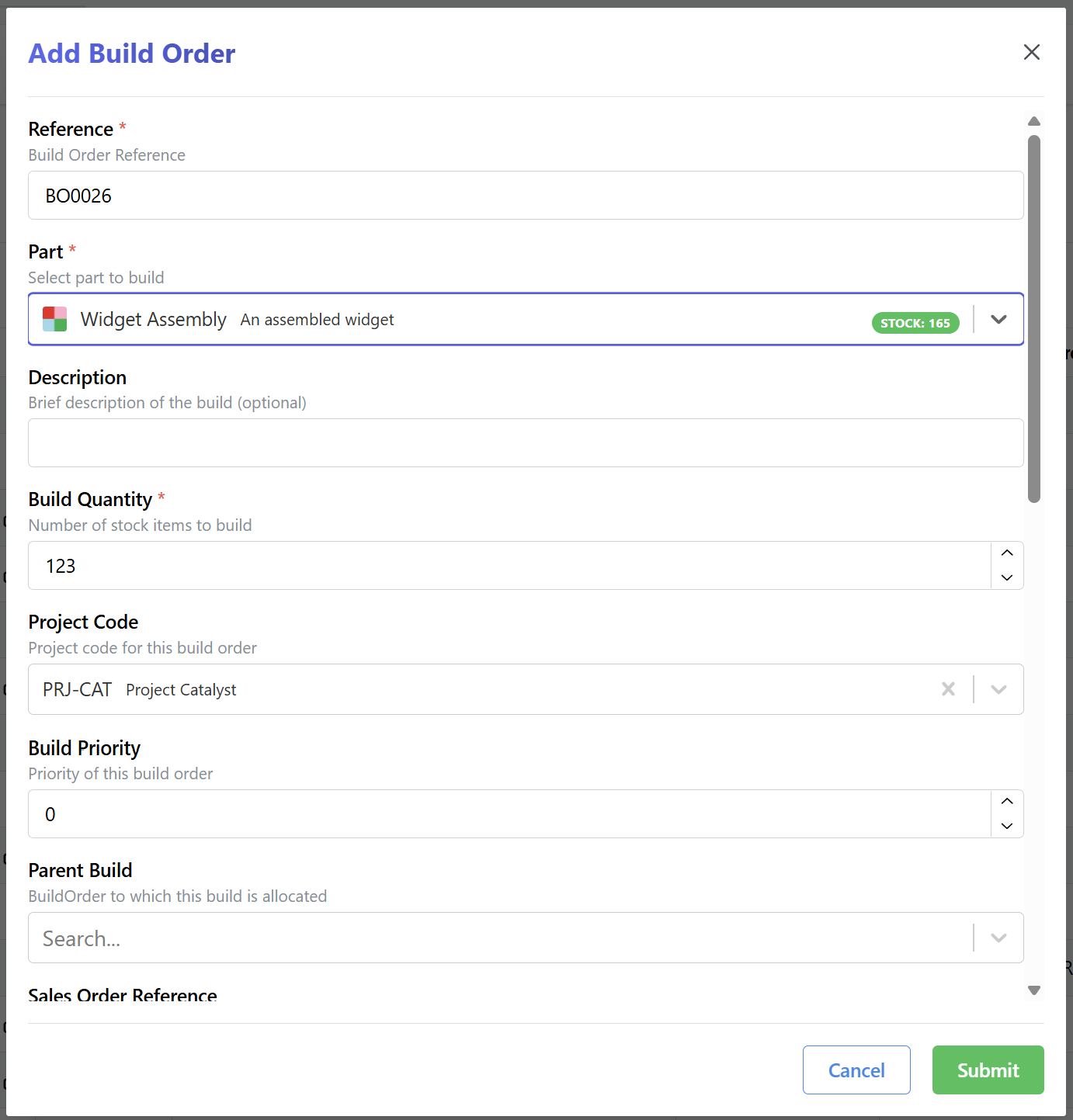
Generate Build Outputs
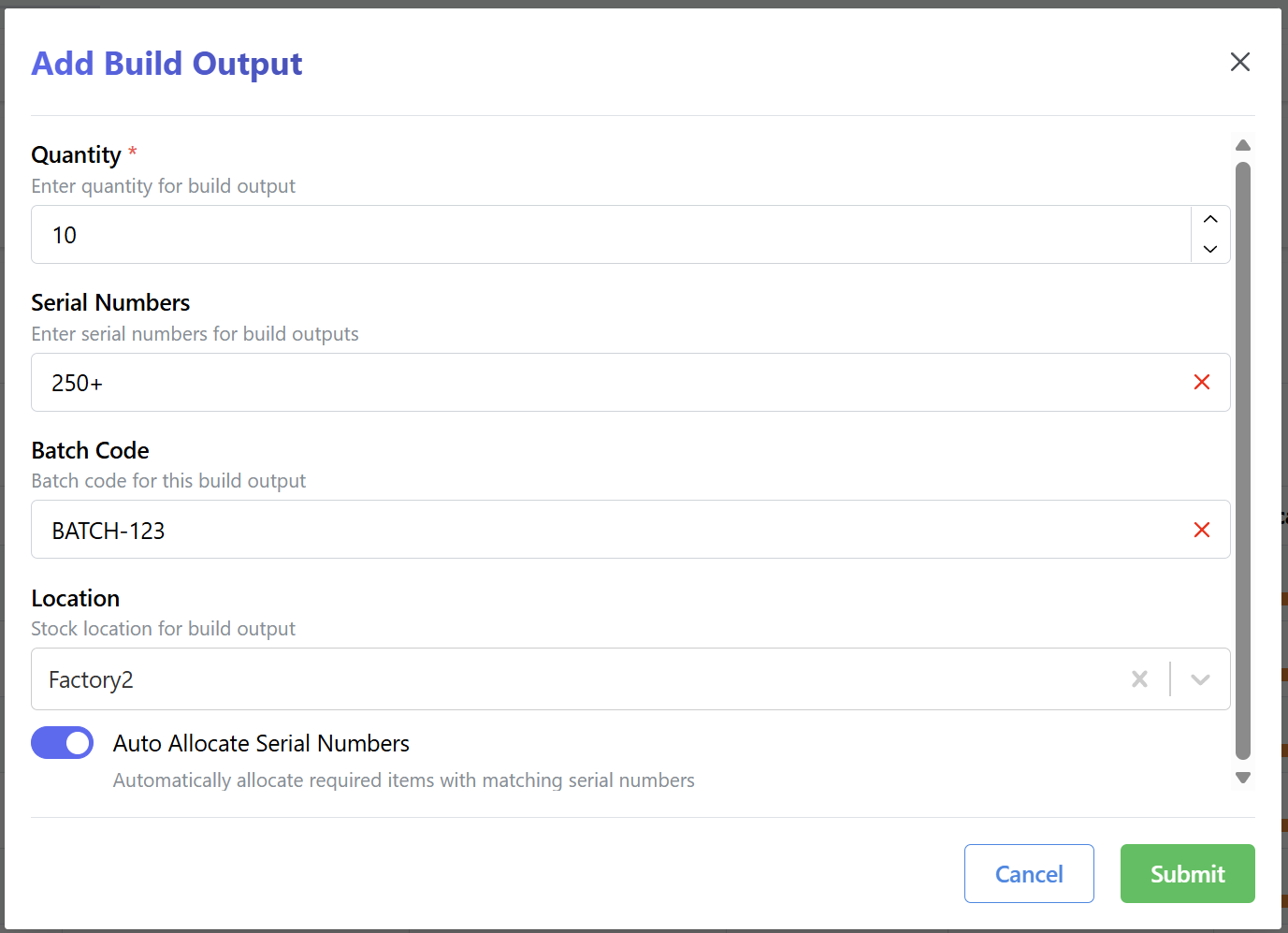
Generate build outputs for this build order. As this is a tracked item, with tracked sub-components, the build outputs must be serialized:
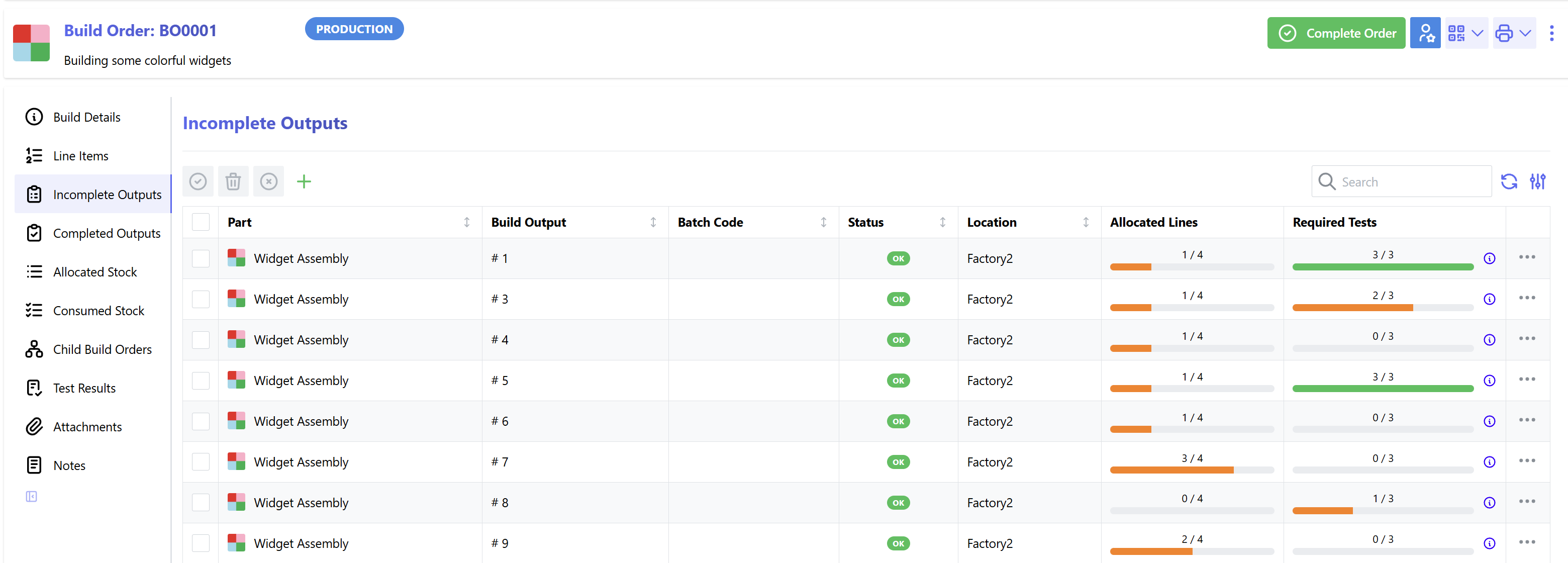
A list of new build outputs will have now been generated:
Allocate Untracked Stock
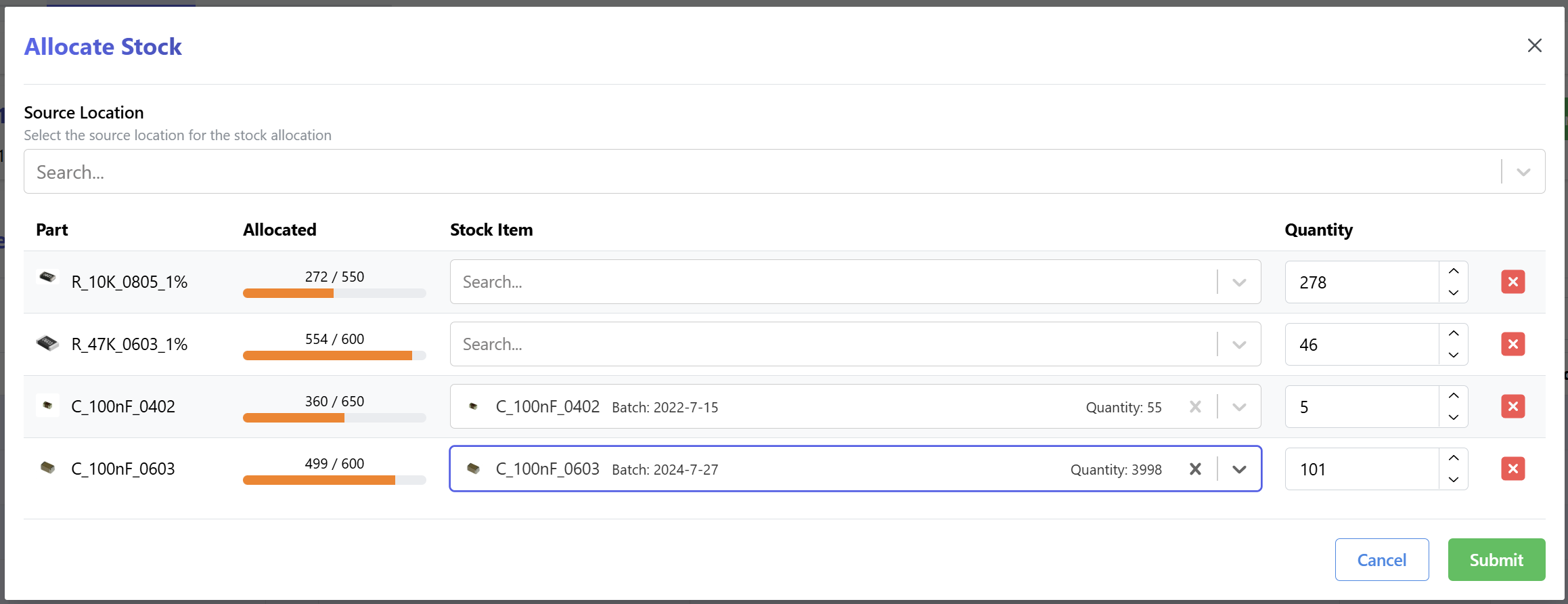
Untracked stock items are allocated to the build order in the Allocate Stock tab:
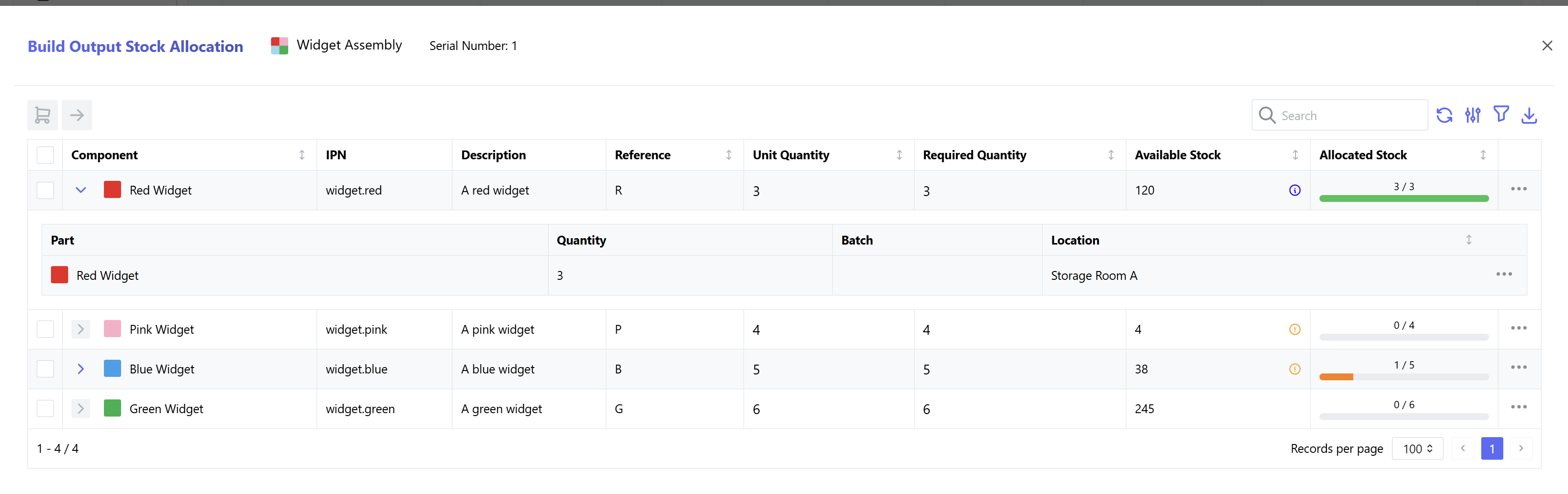
Allocate Tracked Stock
Tracked stock items are allocated to individual build outputs:
Complete Build Outputs
Mark each build output as complete:
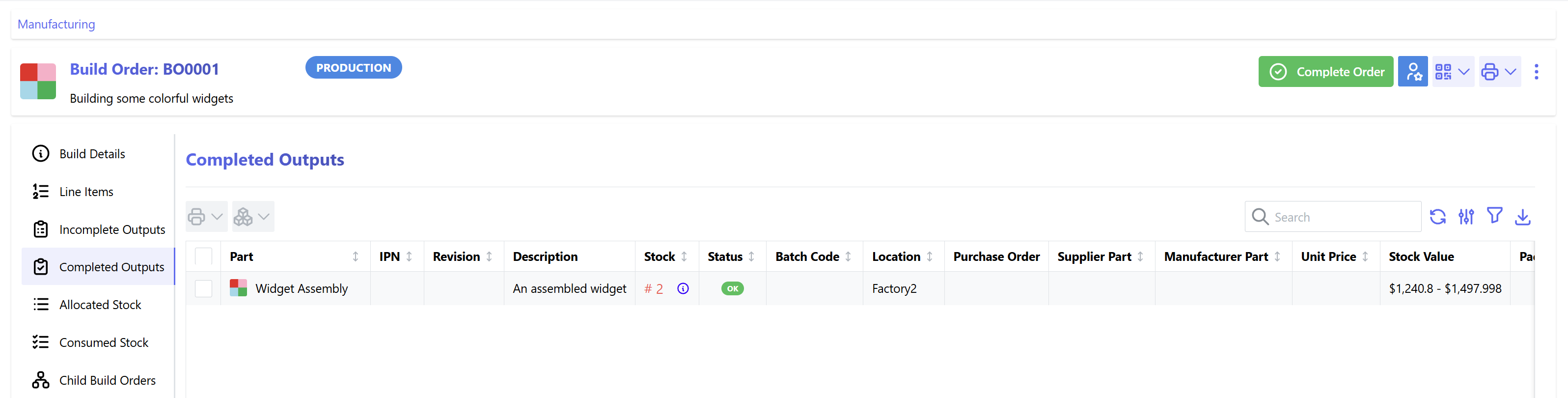
Complete Build Order
Once the build outputs have been completed, and all stock has been allocated, the build order can be completed.