Project Codes
Project Codes
A project code is a unique identifier assigned to a specific project, which helps in tracking and organizing project-related activities and resources. It enables easy retrieval of project-related data and facilitates project management and reporting.
Assigning to Orders
Project codes can be assigned to various orders within the system:
By assigning a project code to an order, users can easily track and manage orders associated with specific projects, enhancing project oversight and resource allocation.
For orders with external companies, which support individual line items, project codes can be assigned at the line item level, allowing for granular tracking of project-related activities. In such cases, the project code assigned to the order itself serves as a default for all line items, unless explicitly overridden at the line item level.
Managing Project Codes
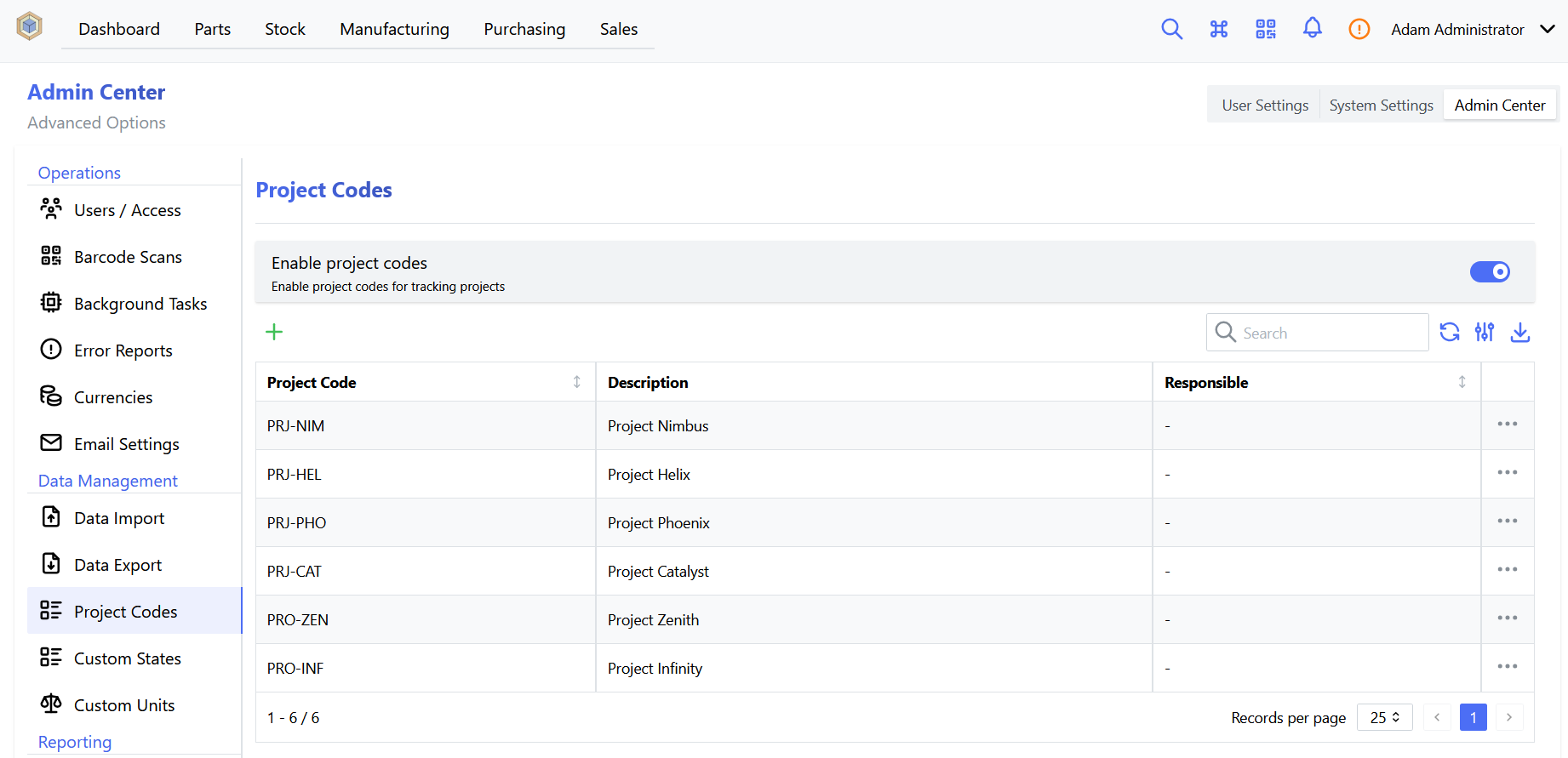
Management of project codes (such as creating or editing codes) is accessed via the settings page. Select the Project Codes tab to access project code configuration options:
| Name | Description | Default | Units |
|---|---|---|---|
Enable project codes |
Enable project codes for tracking projects | False |
Enable Project Code Support
By default, project code support is disabled. Select the Enable Project Codes option to enable support for this feature
Assigning Project Codes
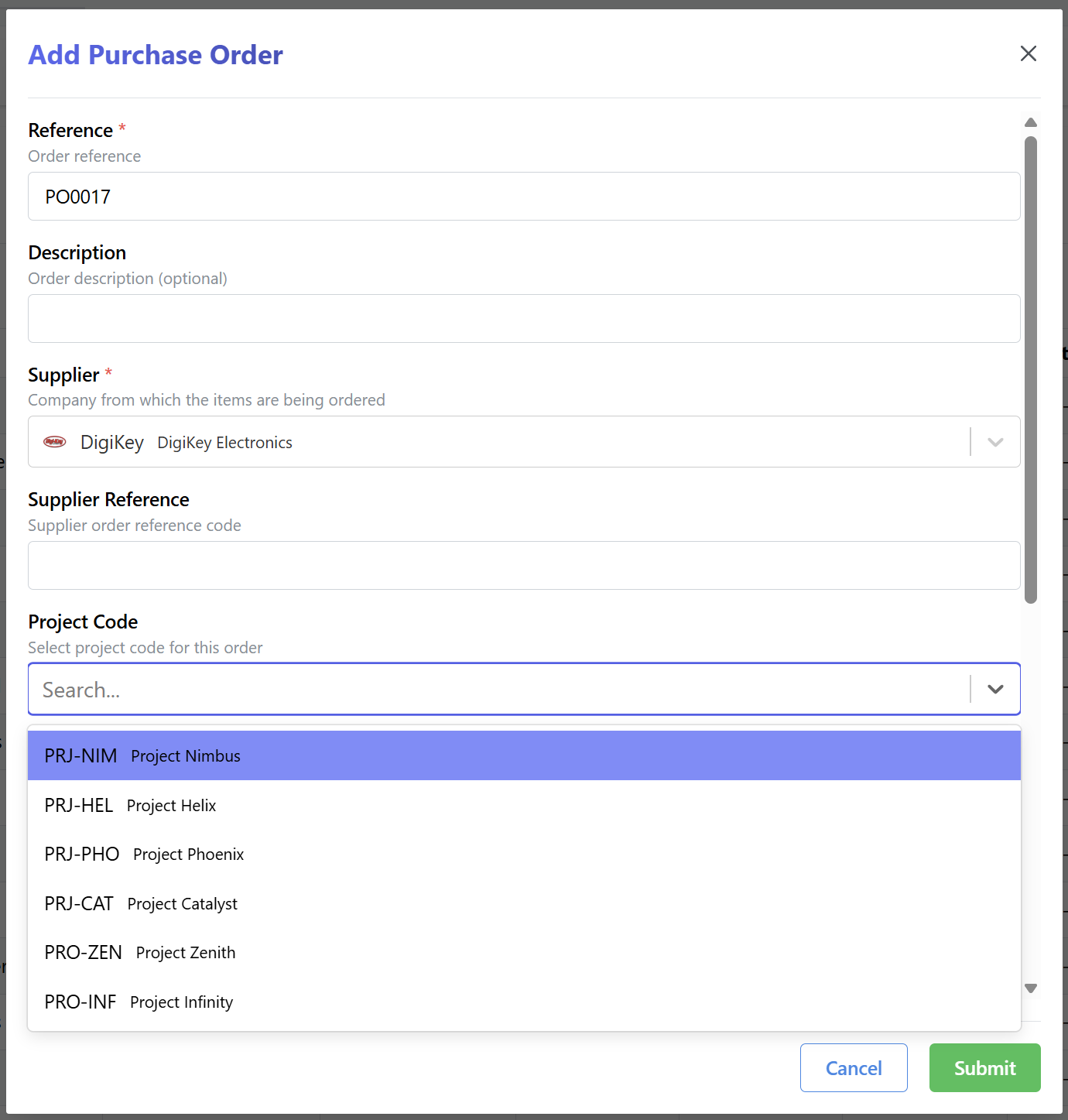
Project codes can be assigned to an order when the order is created, or at any later stage by simply editing the order. If project code support is enabled, a Project Code field is available in the order details form:
Filtering by Project Codes
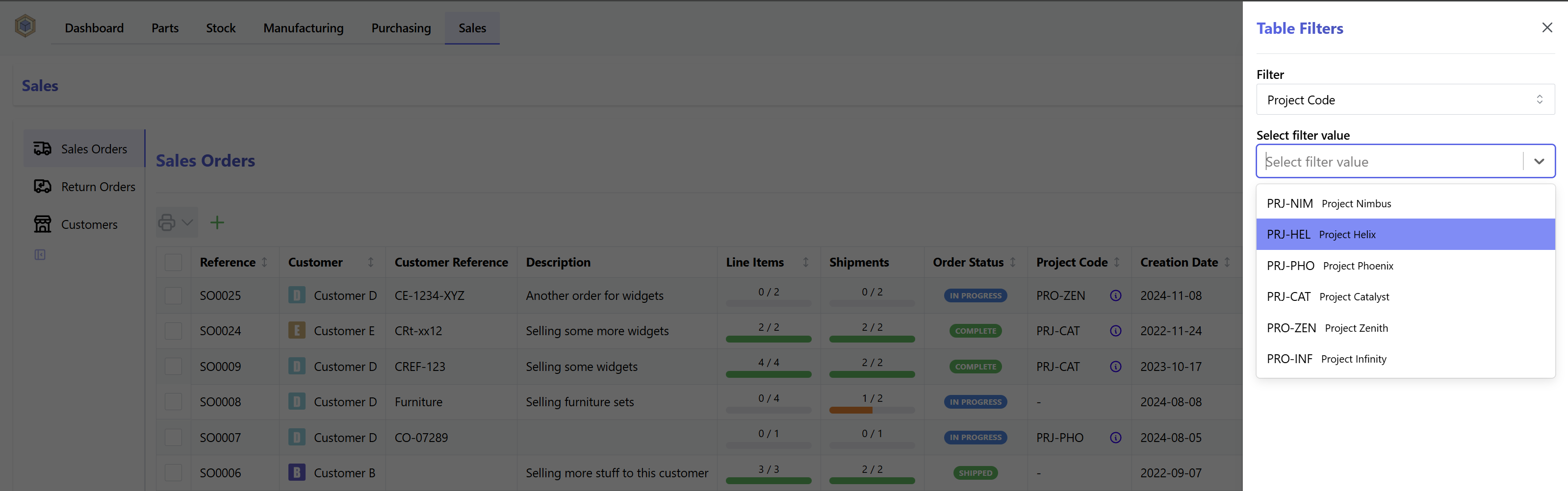
The order tables can be easily filtered or sorted by project code: