Purchase Orders
Purchase Order List
The purchase order list display lists all purchase orders:
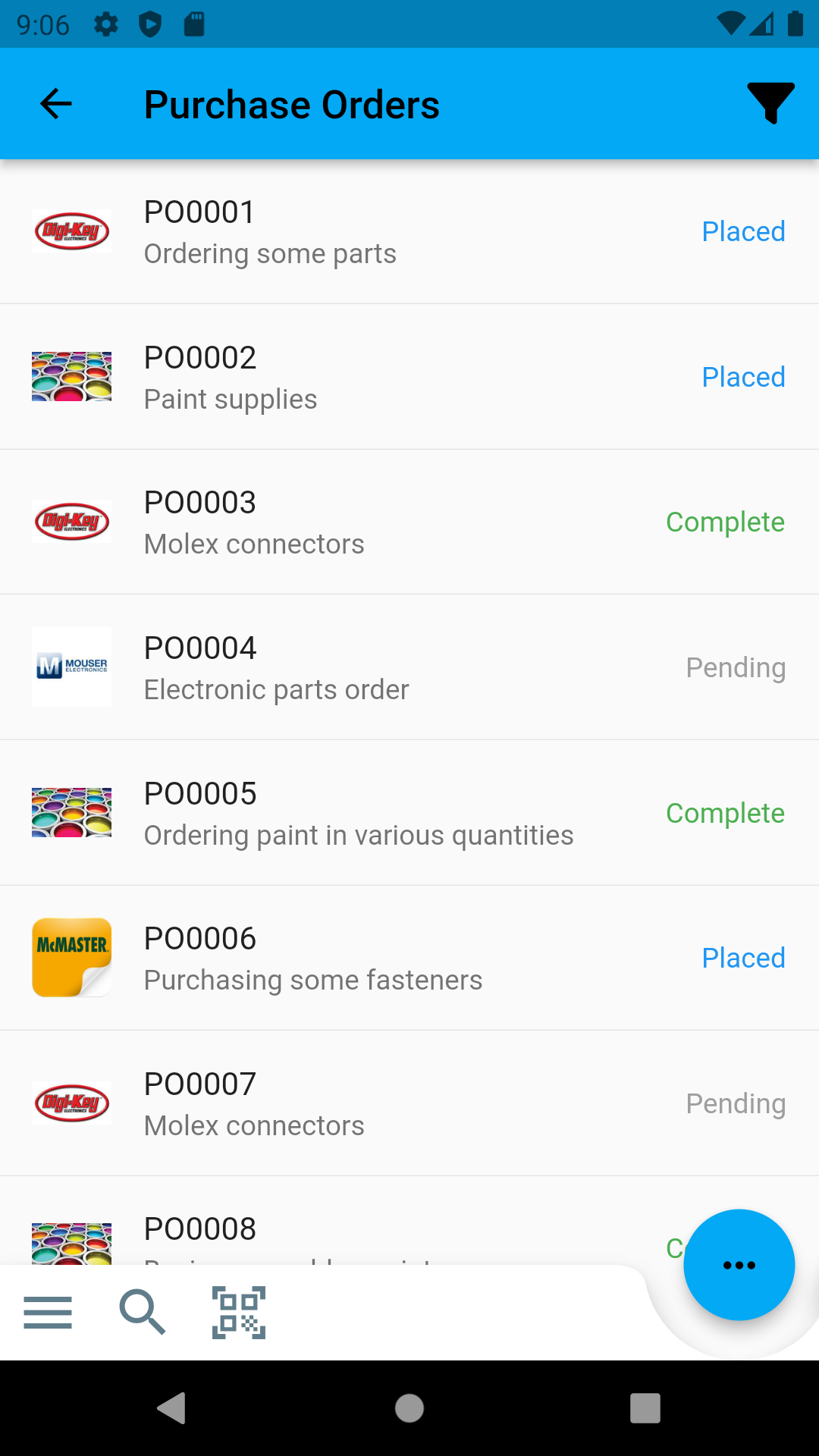
Select an individual purchase order to display the detail view for that order.
Filtering
Displayed purchase orders can be subsequently filtered using the search input at the top of the screen
Purchase Order Detail
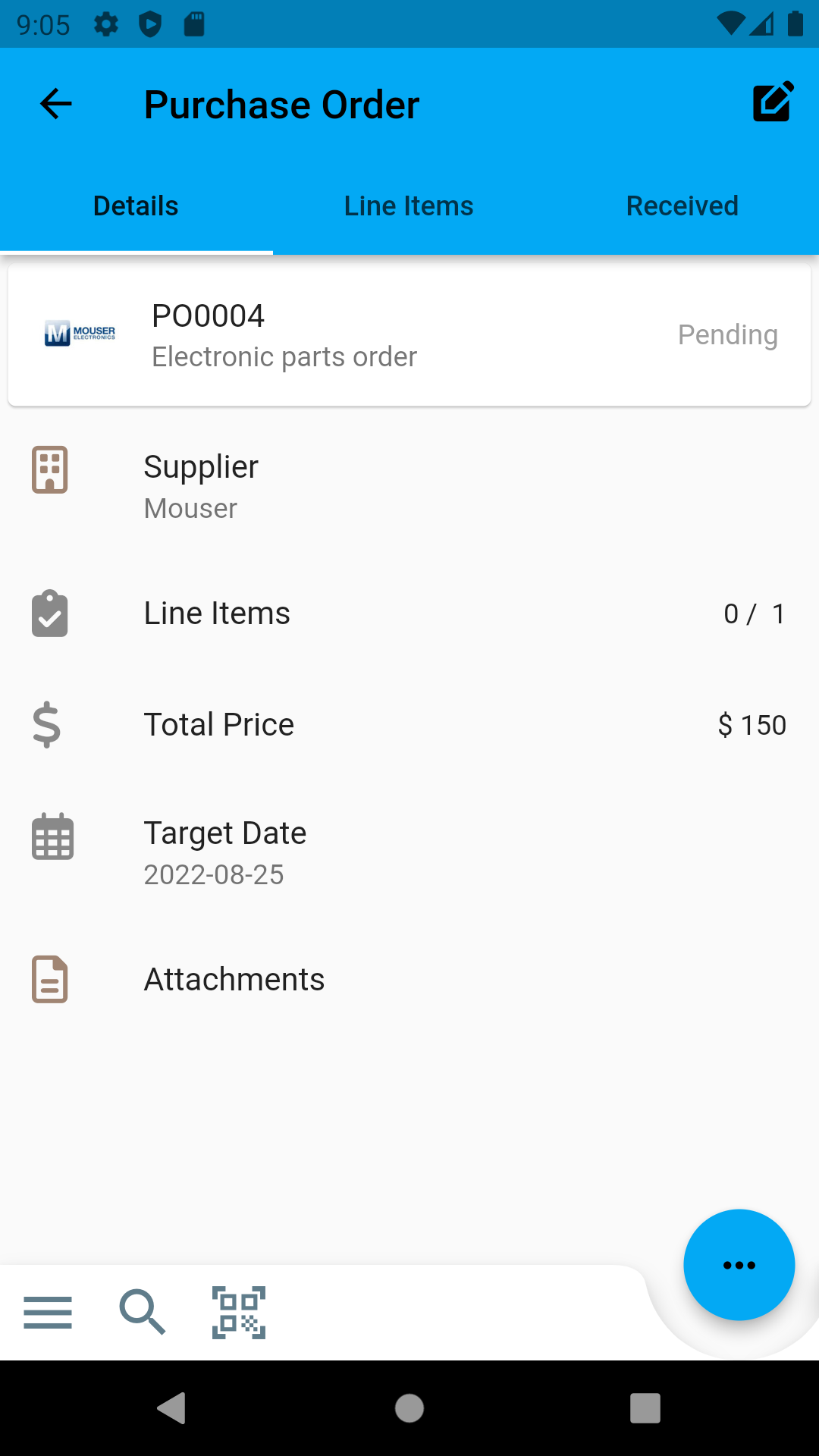
Edit Order Details
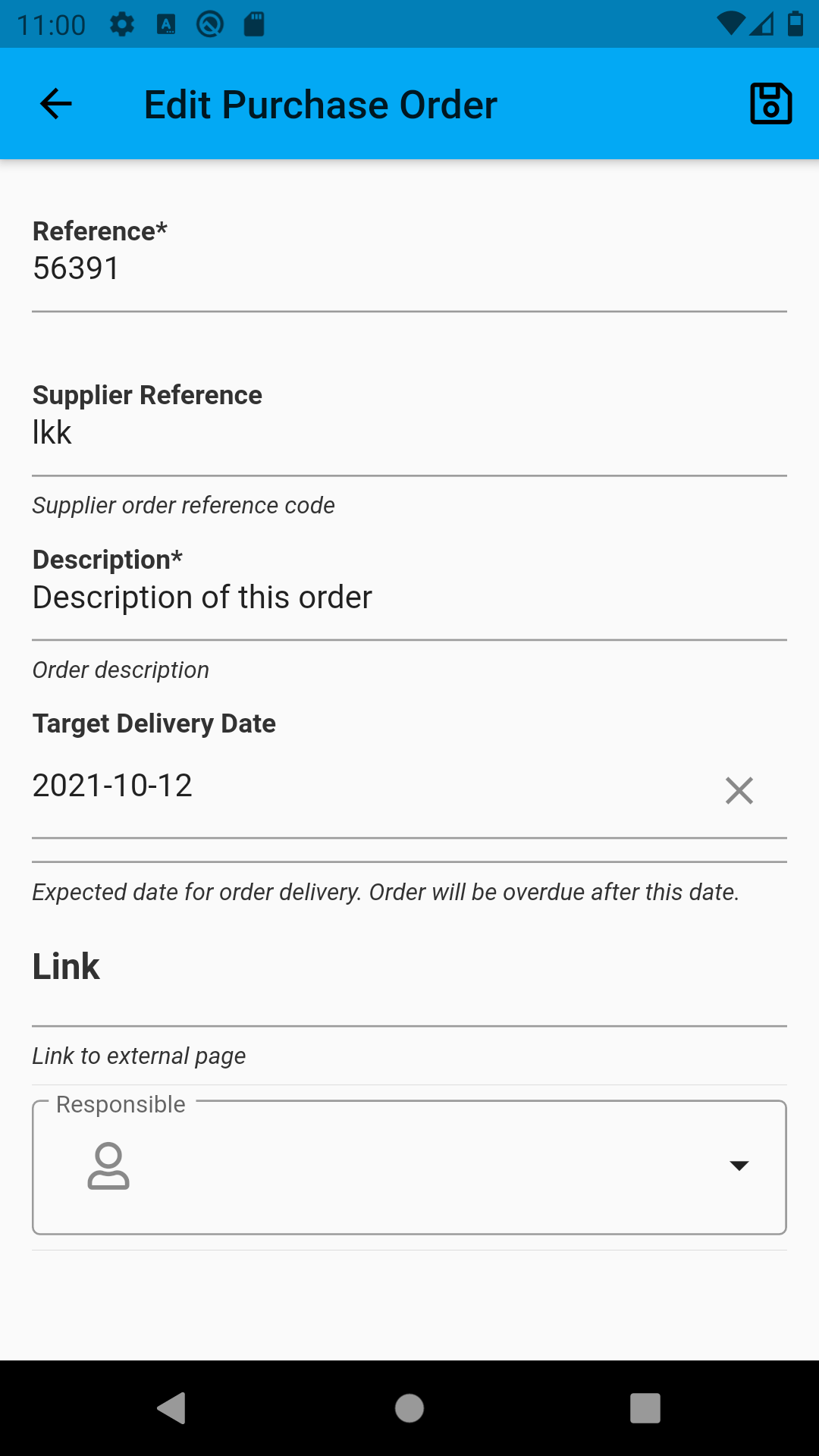
From the detail view, select the Edit button in the top-right of the screen. This opens the purchase order editing display:
Line Items
The Line Items tab shows the line items associated with this purchase order:
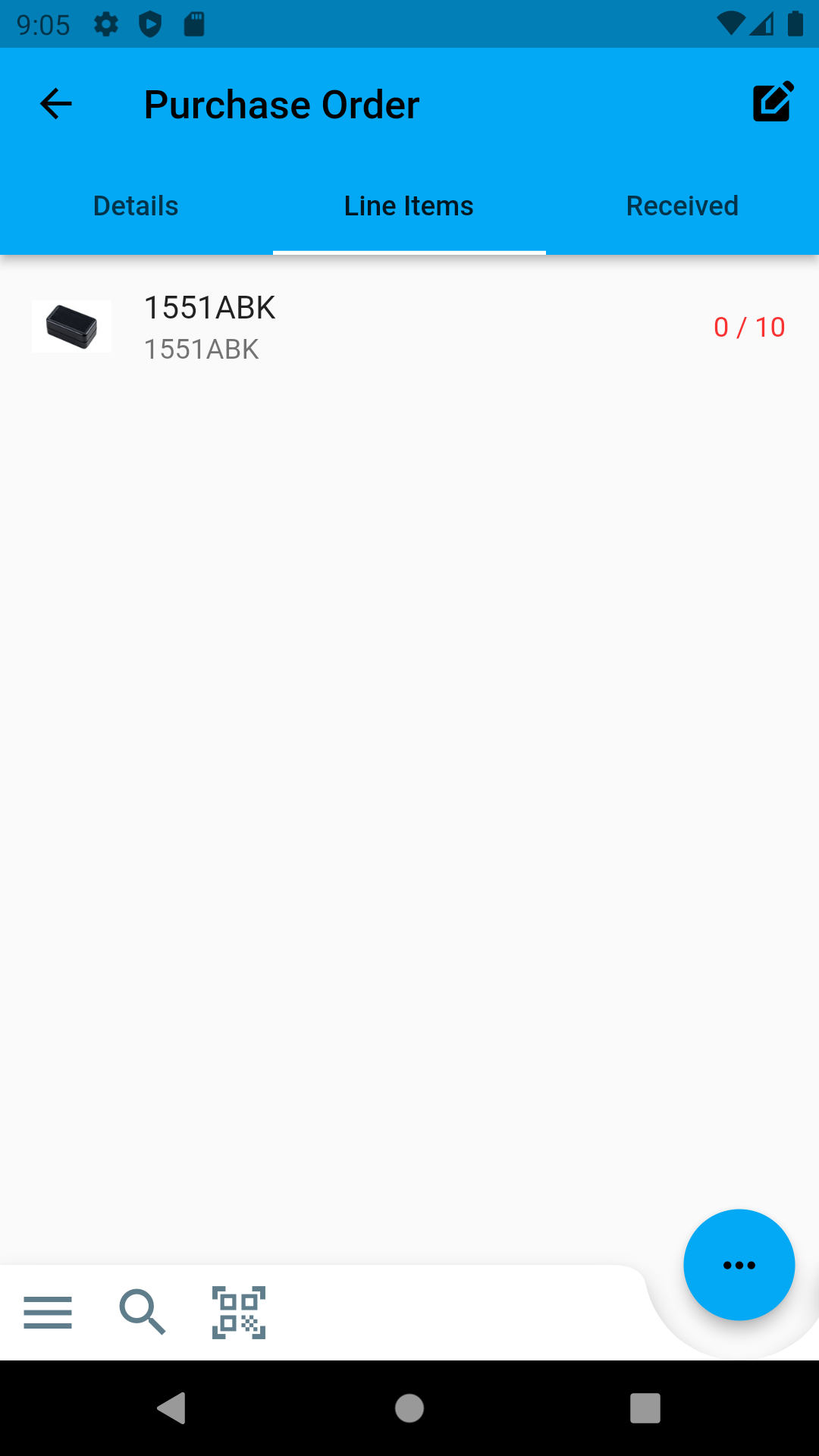
Long press on a particular line item to receive the item into stock.
Stock Items
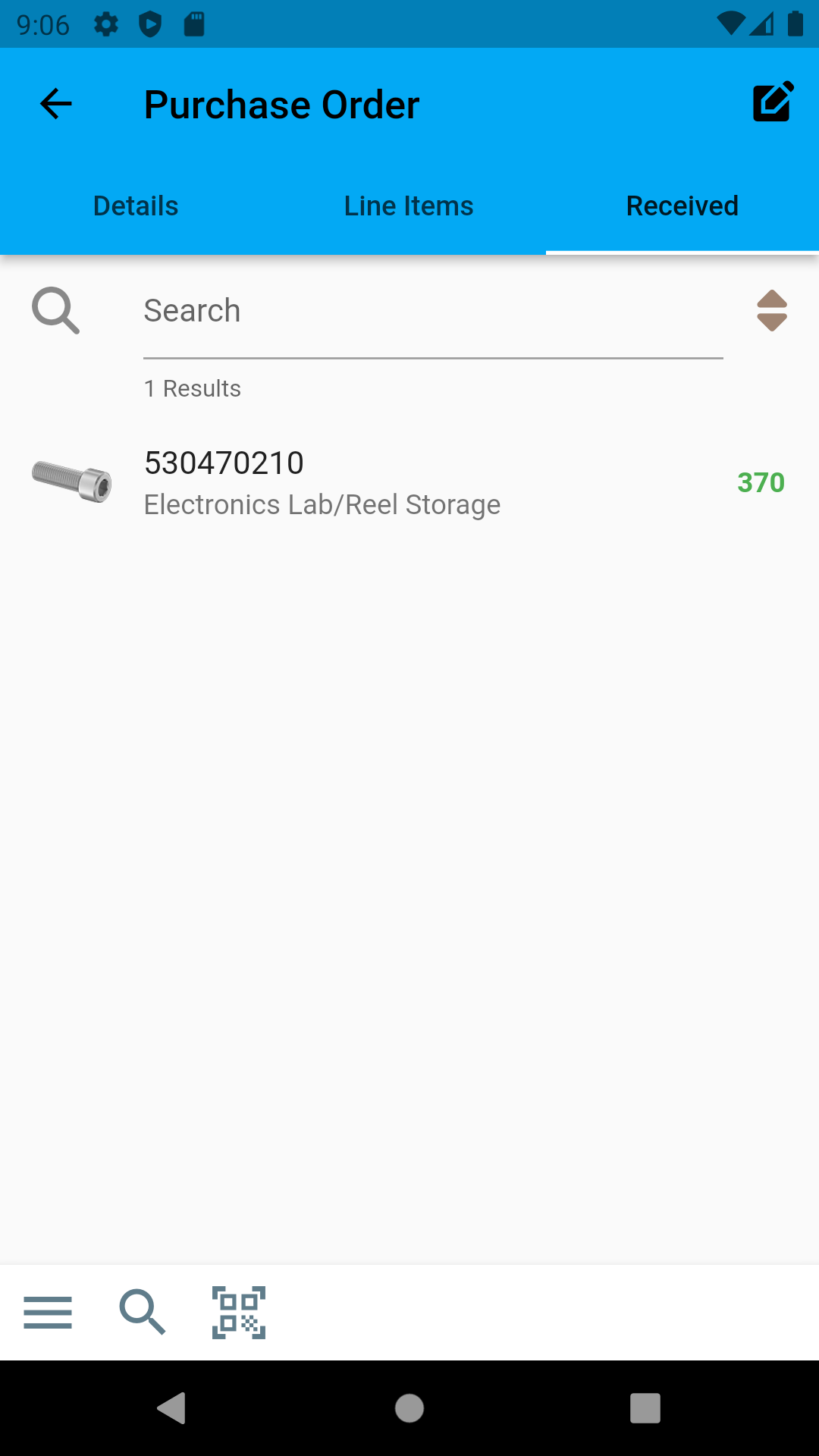
Once items have been received into stock against a particular purchase order, they are displayed in the Stock Items tab: